
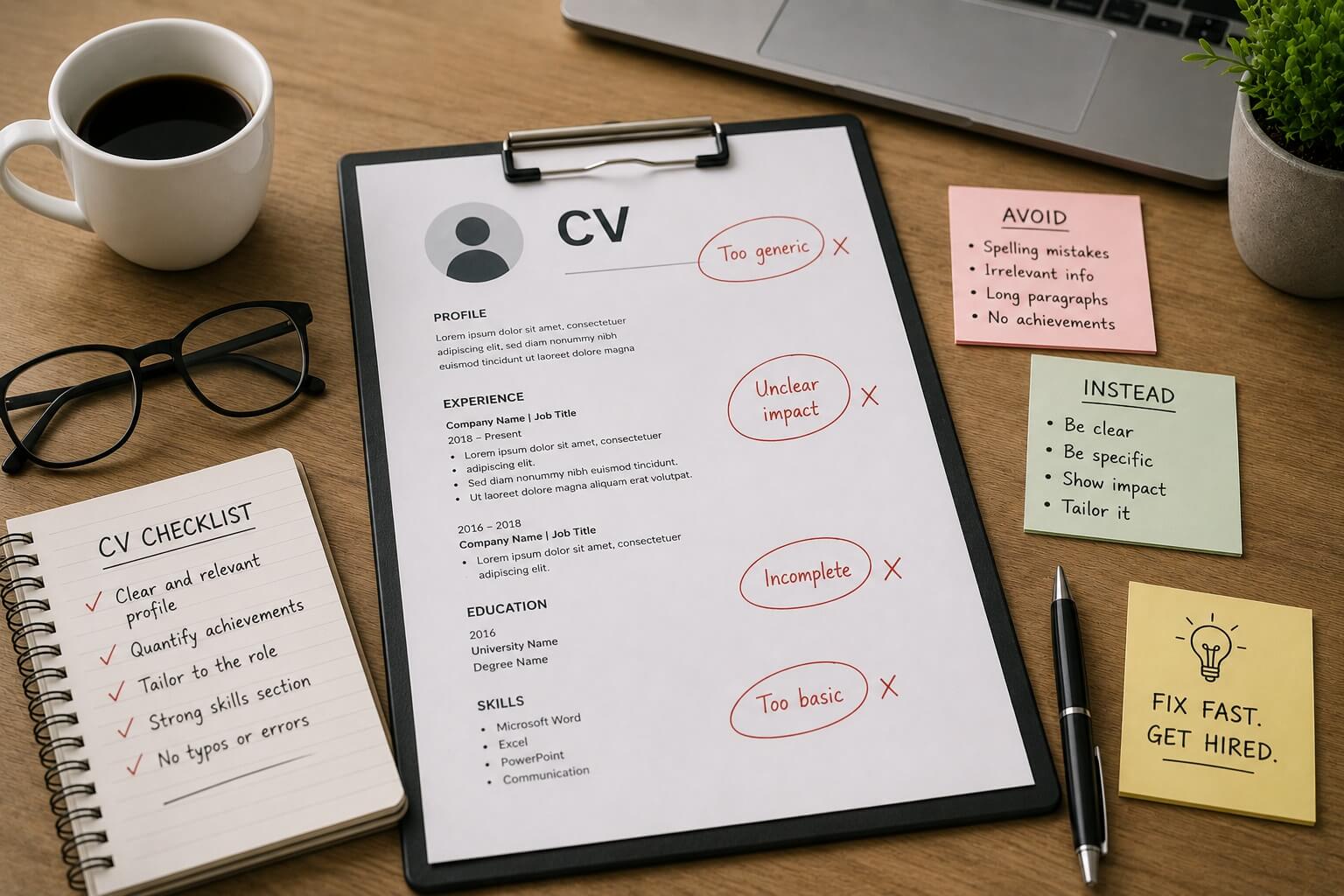
The most common CV mistakes are rarely about content gaps they are about presentation errors that make strong candidates easy to overlook. The frustrating truth is that most CV mistakes are entirely avoidable once you know what to look for. Here are the ten most common CV mistakes that cost people interviews and how to fix each one quickly, without starting from scratch.
The 10 Most Common CV Mistakes and How to Fix Each One
Research published by CareerBuilder found that 77% of hiring managers have disqualified a candidate due to CV errors that had nothing to do with their actual qualifications. These are structural, linguistic, and formatting errors all fixable. Here is exactly what to look for and how to address each one.
1. A Generic Objective Statement
Opening your CV with “Seeking a challenging role in a dynamic organisation where I can utilise my skills” tells recruiters nothing about who you are or what you offer. Fix: Replace it with a focused professional profile that summarises your specific experience, your level of seniority, and one or two concrete achievements that position you for the role you are targeting. Three to four sharp sentences. Make every word work.
2. Listing Responsibilities Instead of Results
This is the single most common CV mistake. Bullet points that describe your job rather than your impact read identically to thousands of other CVs. “Managed a team” is a responsibility. “Managed a team of eight, reducing project delivery time by 20% over twelve months” is an achievement. Fix: Add a number, percentage, scope, or timeframe to every bullet point where possible. See our guide to writing CV bullet points that quantify your impact for a systematic approach.
3. Poor or ATS-Incompatible Formatting
One of the most common CV mistakes is prioritising visual creativity over readability and structure. Inconsistent fonts, cluttered layouts, multi-column structures, decorative graphics, and skill bars may look impressive but consistently underperform. They confuse ATS parsers and slow down human readers. Fix: Keep your layout clean, consistent, and easy to scan. Use one clear column, standard fonts, conventional section headers, and avoid graphics or text boxes. Design should serve the content not distract from it.
4. Wrong Length
Graduates submitting three-page CVs and senior professionals cramming twenty years onto one page are both making the same underlying error: failing to match length to the reader’s expectations. Fix: One page for graduates and early-career professionals; two pages for most working professionals; up to three pages only for very senior academic or executive profiles. For a definitive breakdown, see our guide on how long a CV should be by career stage.
5. Missing Keywords
If the job description mentions specific tools, qualifications, or terminology and your CV does not, you will be filtered out by ATS before a human ever reads your application. Fix: Read every job posting carefully. Mirror its language in your profile, experience bullet points, and skills section. Use both the abbreviated and full forms of key terms for example, “Search Engine Optimisation (SEO)” to maximise ATS matching.
6. Typos and Grammatical Errors
A single typo on a document designed to showcase your professionalism is particularly damaging. It signals carelessness to the recruiter at precisely the moment they are deciding whether to trust you with a role. Fix: Proofread carefully — read aloud to catch errors silent reading misses. Use spell-check. Ask a trusted contact with strong written English to review your CV before it is sent anywhere.
7. Wrong File Format
Sending a .pages file, an image-based PDF, or a scanned document can make your CV unreadable by ATS systems and inaccessible to recruiters on unfamiliar platforms. Fix: Unless the job posting specifies otherwise, submit a clean .docx file or a text-based PDF generated from a word processor. Never submit a scanned document as your CV.
8. No Tailoring
One of the most common CV mistakes is sending an identical CV to every employer. Recruiters and ATS systems both reward specificity and relevance, and generic applications consistently underperform. Fix: For every application, rewrite your profile for the role, ensure your most relevant experience is most prominent, and verify that the key terms in the job description appear naturally in your CV. Even minor tailoring reordering bullet points and updating your profile makes a measurable difference.
9. A Weak or Absent Professional Profile
Your profile section is the most-read part of your CV. A vague, clichéd, or absent profile wastes the prime reading real estate on the page. Fix: Write a three to four sentence summary that leads with your specialism, your seniority, and your most relevant achievement or strength. Tailor it for every application. It should be the first thing you update, not the last.
10. Outdated or Incorrect Contact Information
An email address you rarely check, a phone number you no longer use, or a LinkedIn profile that was last updated two years ago all create practical barriers and send a poor signal about your attention to detail. Fix: Audit all contact details and your LinkedIn profile before every job search campaign. Ensure your LinkedIn and CV are consistent in dates, job titles, and key claims.
Fix Your CV in Minutes
SmartCV Builder automatically flags common CV mistakes, suggests stronger language, and provides ATS compatibility scoring before you apply. Stop leaving interviews on the table. Fix your CV today with SmartCV.