
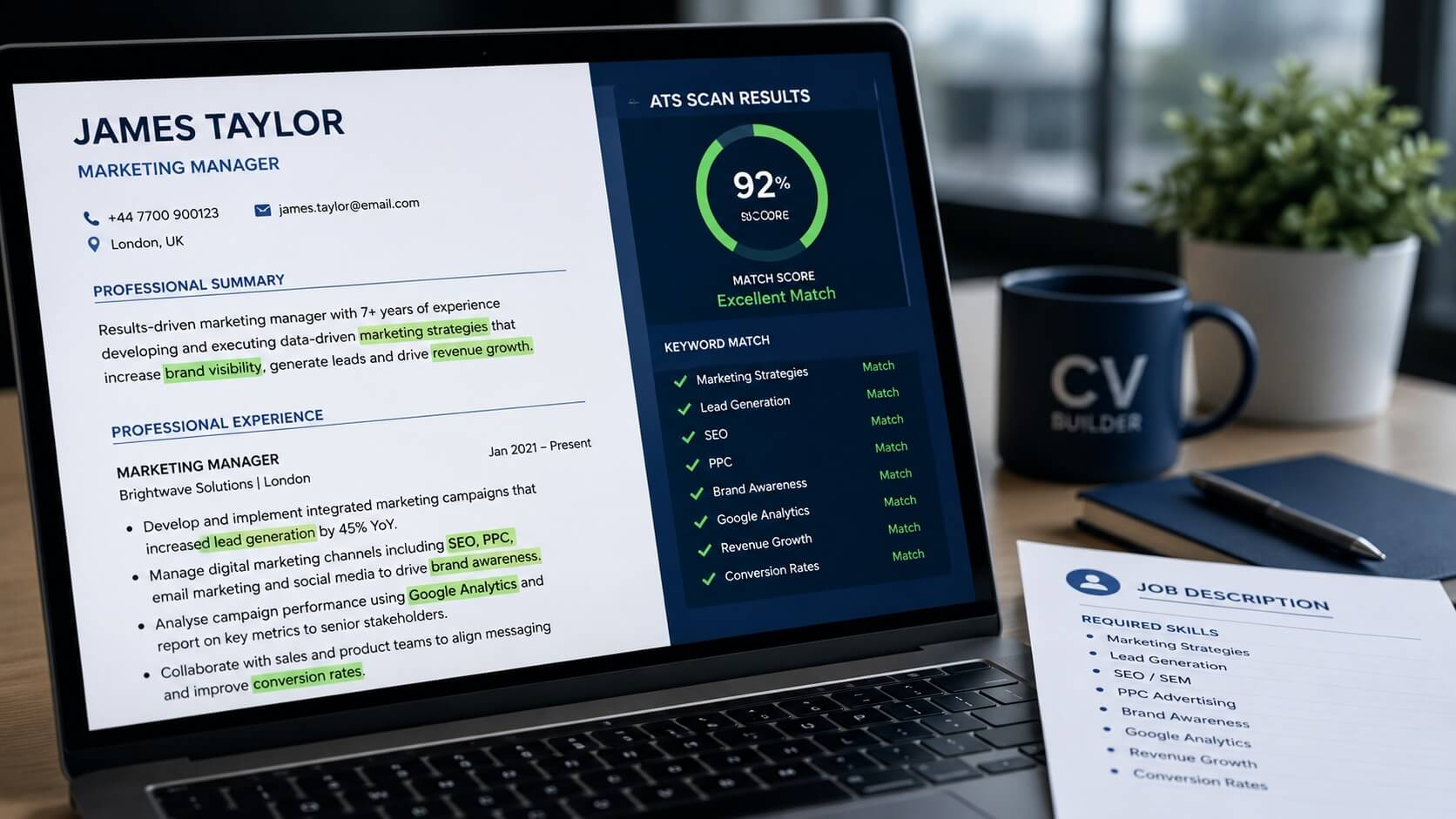
Most CVs never reach a human recruiter. Before a hiring manager sees your application, it is almost certainly filtered by an applicant tracking system (ATS) that scans for specific ATS keywords and scores your CV accordingly. If your document does not contain the right terms, it is archived automatically, often without anyone ever reading it. Understanding how to use these keywords correctly is one of the most practical steps any UK job seeker can take to increase their interview rate.
What Are ATS Keywords and Why They Matter
ATS keywords are the specific words and phrases that applicant tracking systems are programmed to recognise in CVs. They are drawn directly from job descriptions and typically include job titles, required skills, qualifications, tools, and industry terminology. When your CV contains the right keywords, the ATS scores it highly and passes it to a recruiter for review.
According to research published by the CIPD, the majority of medium and large UK employers now use some form of ATS or digital recruitment platform to manage applications. With hundreds of CVs submitted for a single role, keyword matching is often the first filter standing between you and an interview.
Getting this right is not about gaming the system. It is about making sure your genuine skills and experience are described in the same language the employer uses, so the technology can recognise them.
How Applicant Tracking Systems Scan Your CV
Most ATS platforms read your CV as plain text, stripping out formatting, columns, and graphics before analysing the content. The system then compares your document against a list of required and preferred terms that the employer has configured. Each match increases your overall score, and candidates above a certain threshold are flagged for human review.
Some systems are more sophisticated and use semantic matching, recognising related terms or synonyms. However, many still rely on exact or near-exact matching. This means using the precise language from the job description is far safer than assuming the system will understand alternatives.
Formatting can also disrupt parsing. CVs built with tables, text boxes, headers and footers, or complex graphics are frequently misread. If key information sits inside a table cell, the ATS may never register it at all.
Where to Find the Right Keywords for Your Role
The job description is your primary source. Read it carefully and note every repeated skill, qualification, tool, responsibility, and industry term. If the same phrase appears more than once, it is almost certainly built into the employer’s ATS configuration. Pay particular attention to the “requirements” and “essential criteria” sections, as these are the terms most likely to be weighted heavily.
Search for five to ten similar job listings across multiple employers and compare the language they use. Recurring terms across different organisations indicate standard industry keywords rather than one employer’s preferences. Job boards such as LinkedIn and Indeed also display “skills matched” indicators that reveal which terms their systems are tracking.
Example: A project manager role might repeatedly mention “stakeholder management”, “risk mitigation”, “Agile”, and “PMP”. Using those exact phrases, rather than loose alternatives like “managing clients” or “project planning”, will register as a match.
7 Proven Places to Put ATS Keywords on Your CV
Placing keywords strategically throughout your CV gives the ATS multiple opportunities to register each term. Here are the seven sections where they carry the most weight:
- Professional profile: Open with a two to three sentence summary that includes your job title and two or three core keywords from the description.
- Core skills section: A dedicated skills block near the top of your CV is one of the most reliable places for keyword matching. List relevant skills as short phrases, not paragraphs.
- Job titles: Use standard, widely recognised job titles rather than internal company-specific ones. If your actual title was “Digital Growth Specialist” but the industry standard is “Digital Marketing Manager”, consider including both.
- Role bullet points: Each bullet point under your previous positions is an opportunity to match specific responsibilities and achievements to the language in the job description.
- Qualifications and certifications: Spell these out in full. “Project Management Professional (PMP)” will be recognised more reliably than “PMP” alone.
- Technical skills section: For roles in technology, finance, or engineering, a dedicated section listing tools, software, and methodologies ensures these terms are indexed clearly.
- Education section: Relevant modules, dissertations, or academic achievements can add sector-specific keywords, particularly useful for graduates or career changers.
For more guidance on structuring bullet points that work for both ATS systems and human readers, see our article on how to write effective CV bullet points.
Common ATS Keyword Mistakes That Cause Rejections
One of the most frequent errors is using synonyms when the job description calls for specific language. If the employer asks for “stakeholder management”, writing “stakeholder engagement” may not register as a match. Always mirror the exact phrasing used in the description where possible.
Hiding keywords in white text or padding the document with invisible repetitions is a tactic that some candidates still attempt. Most modern ATS platforms are designed to detect this and will flag or disqualify the application. It also risks permanent rejection if a recruiter spots it manually.
Placing important skills only inside tables, text boxes, or image-based infographics is another common problem. These elements are frequently skipped by ATS parsers entirely. Keep all critical content in standard paragraph or list format.
If your CV is not getting interviews despite strong experience, keyword placement may be contributing to the problem. The full list of issues to check is covered in our article on why your CV is not getting interviews.
How to Check Your CV Is Properly Keyword-Optimised
Before submitting any application, run a quick keyword comparison. Paste the job description into a free tool such as Jobscan or Resume Worded, then upload your CV. These tools score your match rate and identify missing terms. Aim for a match rate of at least 70 to 80 percent before applying.
Also check your file format. The most reliably readable formats for ATS systems are .docx and plain PDF. Avoid submitting CVs as .pages, .odt, or image-based PDFs, as these formats cause parsing errors on many platforms.
Finally, read through your CV with the job description open alongside it. If a recruiter who had only ten seconds to glance at your document could not immediately connect it to the role, the keyword density and placement likely need attention.
Why You Must Tailor ATS Keywords for Every Application
A single generic CV sent to multiple roles will consistently underperform a tailored one. Different employers use different language for similar responsibilities, and the ATS for each organisation is configured to match its own terminology. A CV optimised for one role may score poorly for another, even in the same sector.
The good news is that tailoring does not require rewriting your entire CV for each application. Start by updating your professional profile and core skills section to reflect the specific language of the job description. Then review your most recent role’s bullet points and adjust two or three of them to align with the key responsibilities listed. This targeted approach usually takes 15 to 20 minutes and can significantly improve your ATS score.
Building a strong CV from scratch makes tailoring much faster because you have a well-structured base to work from. Our guide to how to create a professional CV walks through the full process, including layout choices that are both ATS-friendly and visually strong for human reviewers.
Consistency across your application also matters. The keywords and job titles on your CV should align with your LinkedIn profile, as many recruiters cross-reference both. Presenting the same core narrative in consistent language reinforces credibility and ensures no conflicting signals are sent during the screening process.
Build an ATS-Optimised CV in Minutes
Smart CV Builder formats your CV correctly for applicant tracking systems, so your skills and experience get seen by the people that matter. Create your CV now.